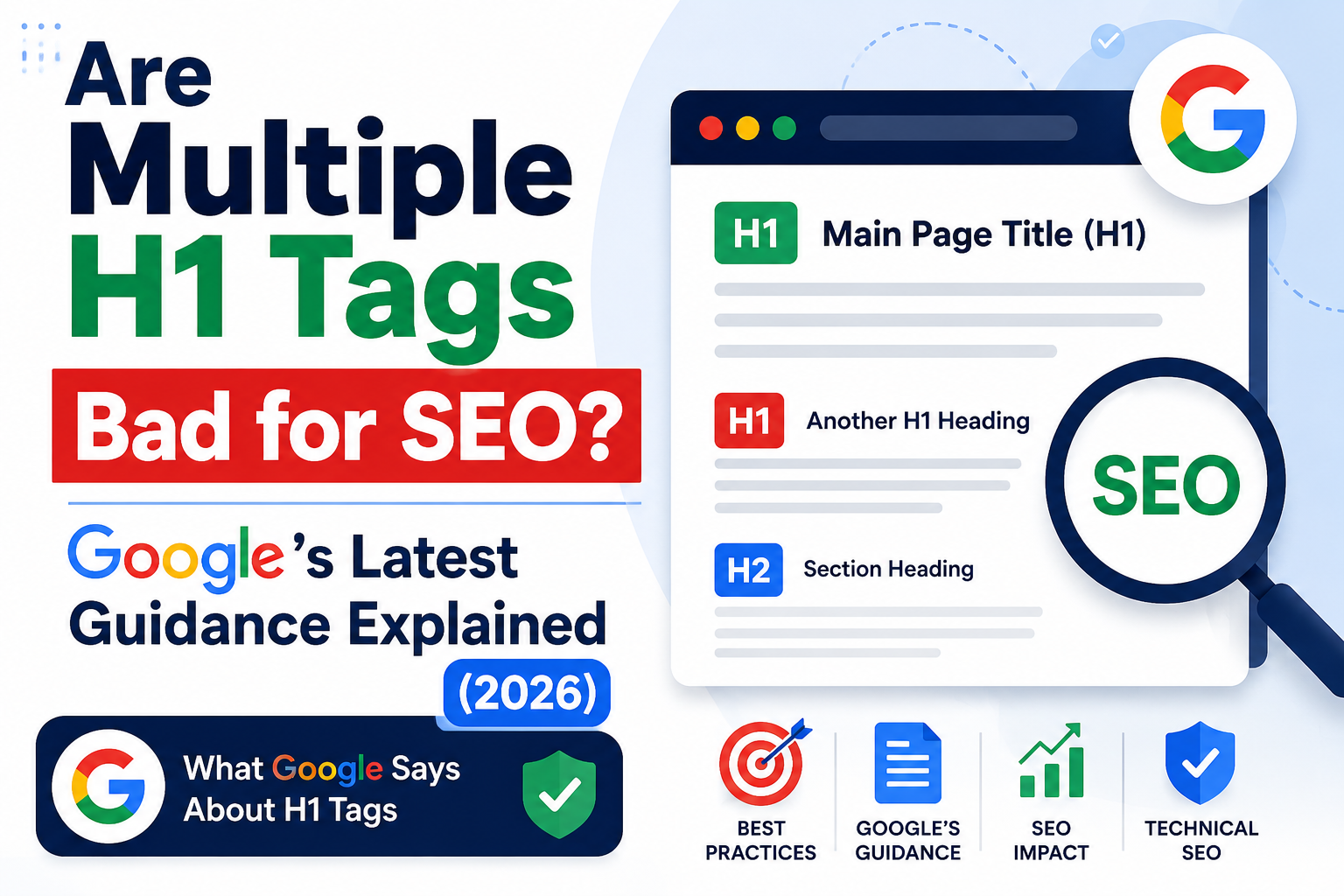
If you’ve spent any time learning SEO, you’ve probably heard the advice: “Use only one H1 tag per page.” For years, that recommendation has appeared in SEO audits, blog posts, and website checklists. Many SEO tools still flag multiple H1 tags as warnings, causing website owners to believe they have discovered a serious ranking problem. But is that really true today? The answer is far more interesting than a simple yes or no.
An H1 tag is the primary heading of a webpage. Think of it as the title readers immediately notice when they land on your page. Just as a book has one main title followed by chapters and subchapters, a webpage uses headings to organize information logically. Search engines analyze these headings to understand the relationship between different sections of your content.
Years ago, heading tags carried more weight because search engines had a harder time interpreting webpage layouts. Modern search engines, especially Google, have become significantly more sophisticated. They don’t rely on a single HTML element to determine a page’s topic. Instead, Google evaluates hundreds of signals including page content, internal links, structured data, user intent, semantic relationships, and overall context. That evolution has changed the importance of H1 tags considerably.
Although H1 tags remain an important part of on-page SEO, they should be viewed as one piece of a much larger puzzle rather than a magic ranking factor. A clear, descriptive H1 helps both visitors and search engines quickly understand what the page covers, improving readability and organization.
The Origin of the “One H1 Per Page” Rule
To understand today’s recommendations, it’s important to know where the “one H1 per page” rule came from. During the early years of the web, websites were built using relatively simple HTML structures. Under HTML4 conventions, pages generally contained one main heading followed by H2 and H3 subheadings. This mirrored the outline of traditional documents, making it easy for browsers, search engines, and assistive technologies to interpret content.
As HTML5 evolved, developers gained the ability to create more complex page structures using elements like <section> and <article>. Technically, each section could contain its own H1 heading. Google adapted its systems to understand these newer page layouts rather than expecting every page to follow the old single-heading model. This is why Google’s guidance differs from many traditional SEO recommendations. Despite these changes, the old advice continued spreading because many SEO tools were designed around earlier best practices. Even today, platforms such as Screaming Frog, Ahrefs, and Semrush may report multiple H1 tags during a site audit. These warnings are not saying your page will lose rankings automatically. Instead, they encourage webmasters to review whether their heading structure remains logical and easy to understand. This distinction is important. A tool reporting a warning does not mean Google considers it a ranking penalty. SEO software often highlights potential improvements rather than confirmed ranking issues.
What Google Actually Says About Multiple H1 Tags
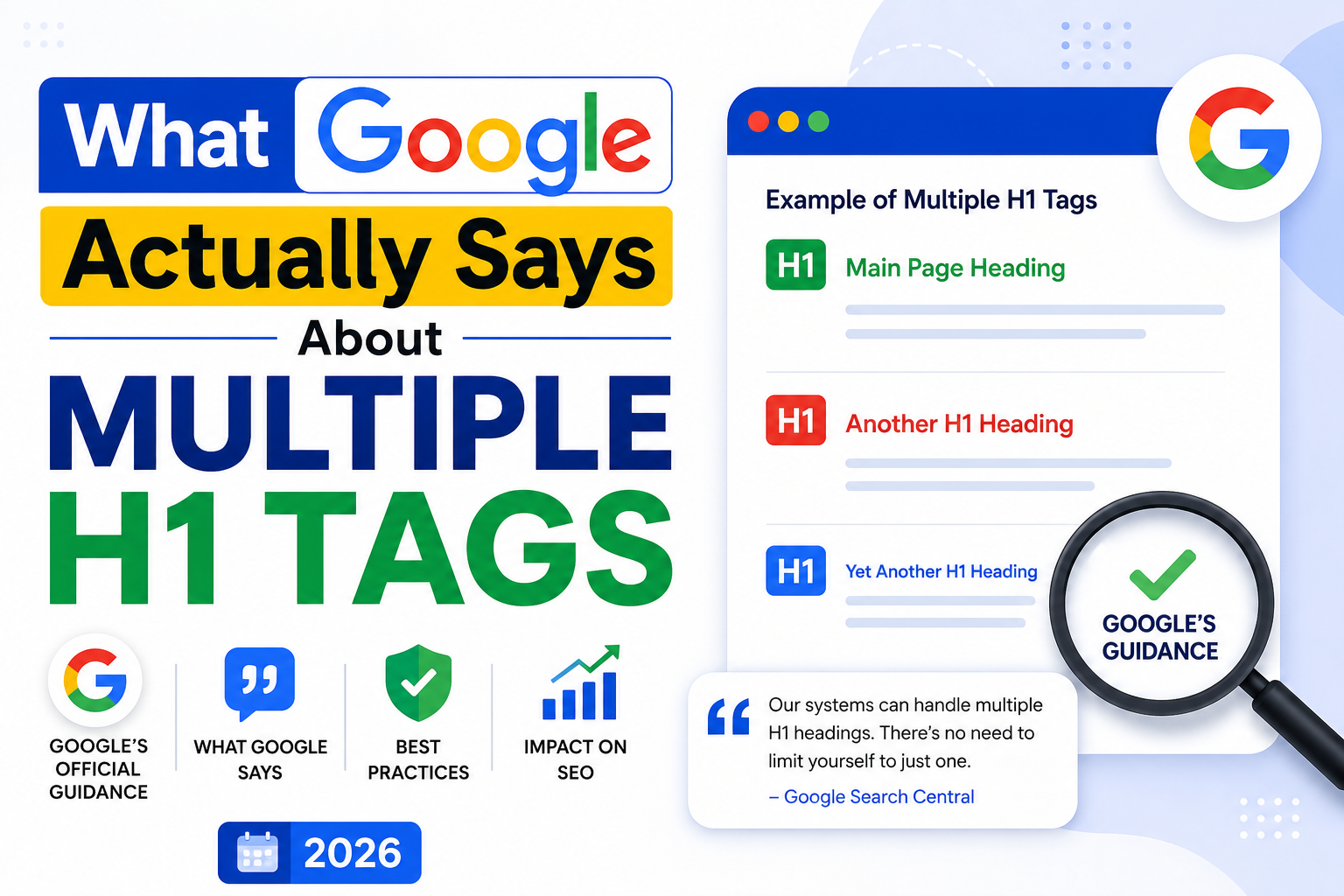
Google’s position on multiple H1 tags has been remarkably consistent over the past several years. John Mueller, Google’s Search Advocate, has repeatedly explained that Google’s algorithms have no problem understanding pages with multiple H1 headings. One of his most quoted statements says:
“Our systems don’t have a problem when it comes to multiple H1 headings on a page.”
He has also stated that a website can rank perfectly well with no H1 tags or with five H1 tags because Google looks at the overall structure and content rather than simply counting heading elements.
This guidance surprises many SEO professionals because it directly contradicts advice that has circulated for over a decade. Google’s crawlers have evolved far beyond relying on a single HTML heading to understand content. They evaluate semantic meaning, surrounding text, internal linking, page layout, structured data, and numerous additional signals.
That does not mean headings have become irrelevant. Google still uses headings to understand different sections of a page and how information is organized. Well-written headings improve readability for users while helping search engines identify the main topics discussed throughout the content. The emphasis has shifted from counting H1 tags to creating a logical document structure.
Another important point is accessibility. Screen readers often rely on heading structures to help visually impaired users navigate webpages efficiently. While Google may understand multiple H1 tags, unnecessarily using several top-level headings can create confusion for people using assistive technologies. This is one reason many SEO professionals continue recommending a single H1 despite Google’s technical flexibility.
Can Multiple H1 Tags Hurt SEO?
No, multiple H1 tags do not directly hurt your Google rankings.
Google has clearly stated that there is no ranking penalty for using multiple H1 headings. If your website accidentally contains two or three H1 tags because of your CMS, page builder, or theme, there’s no reason to panic. Your rankings are far more likely to be influenced by factors such as content quality, backlinks, search intent, page speed, mobile usability, and user experience.
That said, there are situations where multiple H1 tags can indirectly affect SEO performance. Imagine a webpage with five different H1 headings targeting unrelated topics. Even though Google can process the page, the overall topical focus becomes less clear. Visitors may struggle to understand the page’s primary purpose, increasing bounce rates or reducing engagement. Poor user experience often leads to weaker SEO performance over time—not because of the H1 tags themselves, but because the page becomes harder to consume.
Another indirect issue is maintenance. Websites with consistent heading structures are easier to manage, audit, and update. Large websites containing thousands of pages benefit from standardized templates that clearly define one primary heading and logical subheadings. This consistency reduces errors, improves accessibility, and makes future SEO optimization significantly easier.
Think of multiple H1 tags like having several titles on the cover of a book. Readers may still understand the story, but one clear title communicates the topic much faster. Google has become smart enough to figure it out either way, yet simplicity often produces a better experience for everyone.
Why Most SEO Experts Still Recommend One H1
Even after Google’s repeated clarification, experienced SEO professionals generally continue recommending one H1 per page. This recommendation isn’t based on fear of penalties. Instead, it’s based on clarity, usability, accessibility, and maintaining clean website architecture.
A single H1 establishes one dominant topic immediately. Visitors know exactly what they’re about to read, and search engines receive a straightforward indication of the page’s primary subject. Every H2, H3, and H4 heading then naturally expands on that main topic, creating a logical content hierarchy.
Using one H1 also simplifies keyword targeting. If your page targets the keyword “Are Multiple H1 Tags Bad for SEO”, placing that keyword naturally within your single H1 reinforces topical relevance without creating unnecessary repetition. Supporting headings can then address related questions, semantic keywords, and user intent without competing for attention.
Accessibility experts also favor a single H1 because many screen reader users navigate webpages by moving between headings. A clean heading hierarchy improves navigation and reduces confusion, especially on long-form articles. While Google has no issue processing multiple H1 elements, designing pages that are easy for real people to understand remains one of the strongest long-term SEO strategies.
Multiple H1 Tags vs Heading Hierarchy
Many people confuse multiple H1 tags with a poor heading hierarchy, but these are two completely different issues. Google has made it clear that having more than one H1 isn’t inherently harmful. The real problem arises when headings are used inconsistently or without a logical structure. Imagine reading a book where every chapter is labeled as the main title instead of using chapter headings and subheadings. You could still read it, but it would feel disorganized and harder to follow.
A proper heading hierarchy starts with a single primary topic (usually an H1), followed by H2 headings that divide the content into major sections. H3 headings support the H2s by covering subtopics, while H4 headings are used only when additional organization is necessary. This structure helps both readers and search engines understand the relationships between different parts of the content.
For example, if your article is titled “Are Multiple H1 Tags Bad for SEO?”, that should typically be your H1. Major sections like “What Google Says”, “SEO Best Practices”, and “Common Mistakes” become H2 headings. Under each H2, you can use H3 headings to explain related ideas in greater detail. This hierarchy creates a logical flow that enhances readability and improves user experience.
Search engines are becoming increasingly semantic, meaning they analyze relationships between concepts rather than relying solely on HTML tags. Even so, a well-structured heading hierarchy makes it easier for Google to identify key topics and understand the overall organization of your page. It’s less about following rigid rules and more about communicating information clearly.
Common Heading Mistakes That Can Affect SEO
While multiple H1 tags are not a ranking issue by themselves, several heading-related mistakes can negatively impact your website’s SEO and user experience. These issues often create confusion for visitors and reduce the overall quality of your content.
One common mistake is using headings only for styling. Some website builders allow users to select H1, H2, or H3 simply because they like the font size. This approach ignores the semantic purpose of headings and results in an illogical page structure. Instead of choosing headings based on appearance, use CSS to control styling while keeping heading levels meaningful.
Another mistake is skipping heading levels. For example, jumping directly from an H1 to an H4 without using H2 or H3 can make your content difficult to navigate. Screen readers rely on heading structures to help visually impaired users understand page organization, so skipping levels may reduce accessibility.
Keyword stuffing is another problem. Years ago, some marketers repeated their target keyword in every heading, hoping to improve rankings. Modern search algorithms recognize this tactic and prioritize natural language instead. Your headings should accurately describe the content beneath them rather than serving as containers for repeated keywords.
Finally, avoid generic headings like “Introduction”, “Section One”, or “More Information.” Descriptive headings provide context and encourage users to continue reading. They also help search engines understand what each section covers, increasing the likelihood of appearing for relevant search queries.
Best Practices for H1 Tags in 2026
Google’s advice is simple: create pages for people first. That philosophy applies perfectly to H1 tags. Even though multiple H1 tags won’t trigger a ranking penalty, following established best practices still improves content quality and user experience.
The first recommendation is to use one primary H1 whenever possible. While Google can process multiple H1 tags, having a single main heading creates a cleaner page structure and eliminates unnecessary complexity. It also makes your content easier to scan for both readers and search engines.
Your H1 should accurately describe the page while naturally including the primary keyword. Avoid forcing exact-match keywords into awkward phrases. Instead, write headlines that sound natural while clearly communicating the page’s topic. For example:
Good H1:
Are Multiple H1 Tags Bad for SEO? Google’s Latest Guidance Explained
Poor H1:
Multiple H1 Tags SEO H1 Tags Google SEO Multiple H1
The second example may contain more keywords, but it looks unnatural and provides a poor user experience.
Keep your H1 concise and relevant. While there is no official character limit, headings between 40 and 70 characters are generally easy to read and display well in most layouts.
It’s also important to ensure that your page title and H1 complement each other. They don’t have to be identical, but they should communicate the same primary topic. This consistency helps users feel confident that they’ve landed on the correct page.
H1 vs H2 vs H3: Understanding the Difference
| Heading Tag | Primary Purpose | SEO Importance | Best Practice |
| H1 | Main topic of the page | High | Usually use one clear H1 |
| H2 | Main sections | High | Divide major topics logically |
| H3 | Subsections | Medium | Expand on H2 topics |
| H4 | Supporting details | Lower | Use only when necessary |
The table above demonstrates that headings work together as part of a structured outline. Rather than worrying about the number of H1 tags, focus on building a logical content hierarchy that makes sense to readers.
Real-World Examples
Let’s compare two scenarios.
Example 1: Well-Structured Page
- H1: Are Multiple H1 Tags Bad for SEO?
- H2: What Is an H1 Tag?
- H2: Google’s Official Guidance
- H2: Best Practices
- H3: Writing Better Headings
- H3: Common Mistakes
This page has a clear structure that both users and search engines can easily understand.
Example 2: Poorly Structured Page
- H1: SEO Tips
- H1: SEO Guide
- H1: Google Rankings
- H1: Website Optimization
- H2: Random Content
Although Google may still understand this page, the organization is confusing. Readers don’t know the primary topic, and the headings fail to establish a logical relationship between sections.
Final Verdict: Should You Fix Multiple H1 Tags?
The answer depends on why your page has multiple H1 tags.
If your website builder or CMS automatically generates two H1 tags—for example, one for the page title and another for the blog title—you probably don’t need to panic. Google has repeatedly confirmed that this isn’t a ranking issue. Your time is better spent improving content quality, earning backlinks, increasing page speed, and satisfying search intent.
However, if multiple H1 tags exist because the page lacks a clear structure or contains unrelated topics, it’s worth reorganizing the content. A single, descriptive H1 supported by logical H2 and H3 headings creates a better experience for readers and simplifies long-term SEO maintenance.
The key takeaway is that Google cares more about understanding your content than counting your heading tags. A well-written article with excellent information, strong internal linking, fast loading speeds, and helpful content will almost always outperform a poorly written page that follows every outdated SEO myth perfectly.
So, are multiple H1 tags bad for SEO?
No. Google does not penalize pages with multiple H1 tags.
Should you still aim for one H1 per page whenever practical?
Yes. It remains the clearest, simplest, and most user-friendly approach for organizing content and maintaining excellent on-page SEO.
Conclusion
The debate around multiple H1 tags has existed for years, but Google’s guidance has made the answer much clearer. Modern search algorithms are sophisticated enough to understand webpages regardless of whether they contain one H1, several H1s, or even no H1 tags at all. This means website owners no longer need to fear ranking penalties simply because an SEO audit reports multiple H1 elements.
That said, SEO isn’t just about satisfying search engines. It’s about creating content that’s easy to read, navigate, and understand. A single descriptive H1 supported by logical H2 and H3 headings remains the best practice because it improves usability, accessibility, and content organization. Instead of obsessing over the number of H1 tags, focus on producing valuable content that answers user questions comprehensively. That’s what Google’s ranking systems reward today—and it’s likely to remain true well into the future.
Frequently Asked Questions (FAQs)
1. Does Google penalize multiple H1 tags?
No. Google has confirmed that multiple H1 tags do not result in a ranking penalty.
2. Is one H1 tag still the best practice?
Yes. While multiple H1 tags are acceptable, using one primary H1 creates a cleaner and more accessible page structure.
3. Can I have multiple H1 tags in HTML5?
Yes. HTML5 technically allows multiple H1 tags within different sections of a page.
4. Why do SEO tools warn about multiple H1 tags?
Most SEO tools flag them as a best practice recommendation, not as a confirmed ranking issue.
5. What matters more than H1 tags for SEO?
High-quality content, search intent, page experience, internal linking, backlinks, Core Web Vitals, and overall site authority have a much greater impact on rankings than the number of H1 tags.